






Best for learning board programming!
An open source Chess Application for Windows developed in C#. This simple yet powerful Chess Game has all the mainstream game feature like Player mode (Human, Computer, Auto), Save/Load Game State, Undo-Redo Moves, Legal Moves Show, etc.




Game Features

Graphical Chess Play
The application provides a visual yet classic Chess board with simple interface. Application also supports a compact mode, which only shows the board and hide all other additional panels, so that you can concentrate on the actual game. You also get nice real time clocks for the player, and of course the game play sounds when making moves so that you get audible alerts of the game status.

Undo/Redo moves
Do you often realize that you made a bad move only after you have executed that move? If yes, you are not alone, and in fact all human beings do that (thank God we are not computers). If you do this (it mean you are not computer), then you will love this Undo/Redo feature. With one click you can wipe out your mistake as you never did that. Almost like you never did that. Handy, huh?

Show the Legal Moves
If you are learning Chess, there are good chances that you will often forget what are possible/legal moves for each player e.g. when the Pawn can move to corner, what blocks the Knights can move to, when Castling is allowed, etc?. That's when the "Show Moves Help" feature comes into handy. This feature when turned ON, shows the legal moves of each player by highlighting the blocks where the selected chess player can move or jump to. Newbie's, you will love it :-)

Load & Save Game State
Have to get somewhere while in the middle of the game? If yes, no worry, you can easily save the current game state on your hard disk and can load it back later. The Game state saves every detail of the game play like Times, Moves, Current Board positions, etc. You can also Undo/Redo on the loaded games.

Game play modes
The Quick Chess application support the following three play modes:
- Human vs Human Player - When you want to play with a friend
- Computer vs Human Player - When you are alone, but still want to play a game with (and not with yourself)
- Computer vs Computer Player - When not in a brain storming mode, but still want to enjoy a chess game
Screenshots
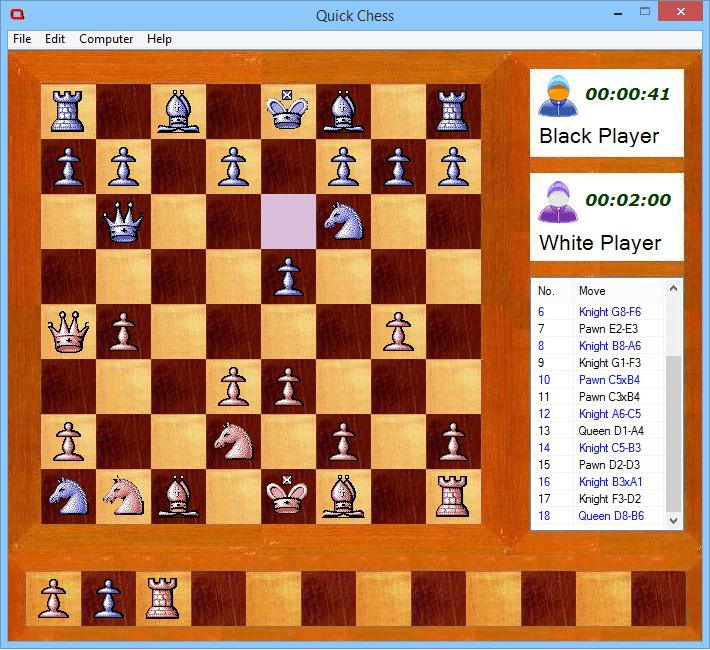
Chess Game
Chess game with nice GUI, and all the features like Save, Load, Show Legal Moves, Captured Players, Undo, Redo, and many more.
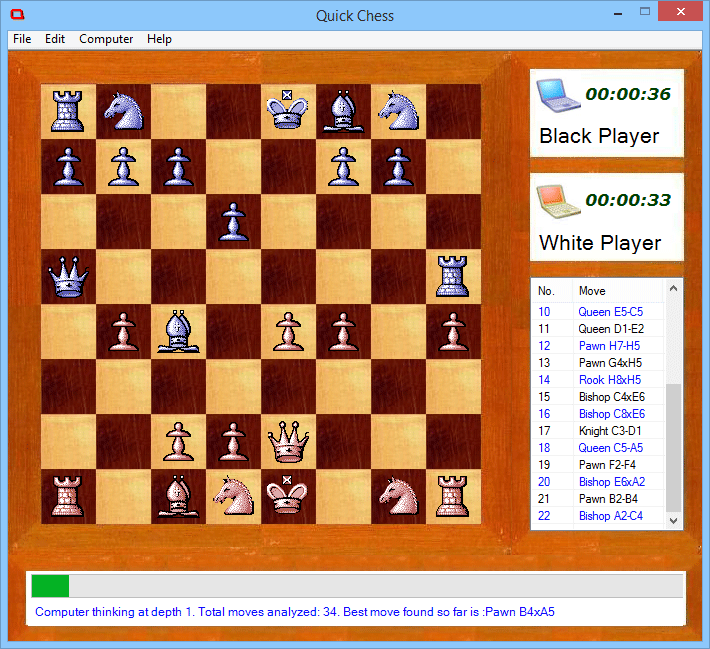
Game Play Modes
The Game supports also Computer vs Computer mode, so you can just be a viewer, and watch two computer player compete with each other.
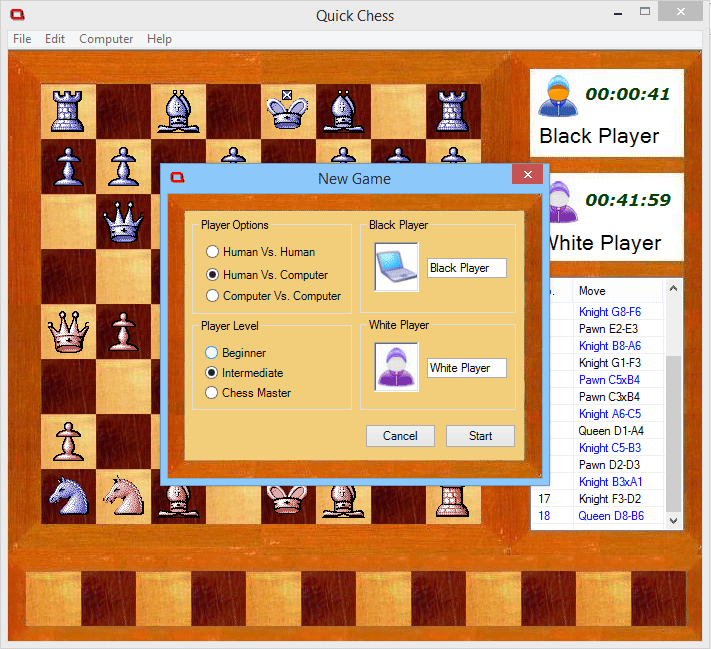
Opening Screen
The New Game dialog lets you choose the play mode (Human vs. Computer), and also the difficulty of the computer level.
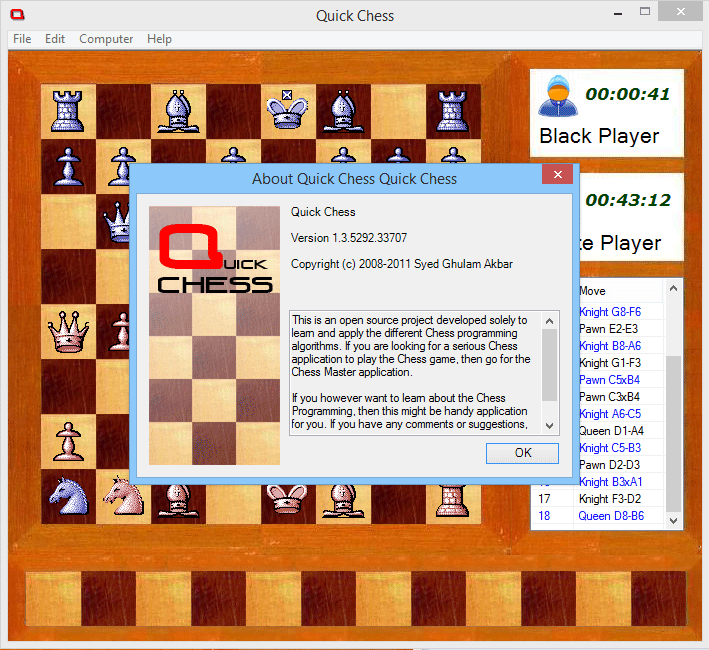
About Dialog
About dialog showing the version and license info.
Download Statistics

Feedback & Comments