Light & Portable
It's less than 100 KB, lightning fast, and needs no installation (no registry or other operating system dependencies). Keep it on your USB disk, and resume saved downloads on the go.
 Rapid Downloader
Files download made easy!
A compact, portable and fast HTTP downloader. It downloads files from any HTTP link, and simplifies downloads from one-click file hosts like Mediafire.
 91 KBLight as a feather, nothing to bloat your disk
 PortableNo installation, runs from a USB disk
 FastLightning fast, and resumes saved downloads
It's less than 100 KB, lightning fast, and needs no installation (no registry or other operating system dependencies). Keep it on your USB disk, and resume saved downloads on the go.

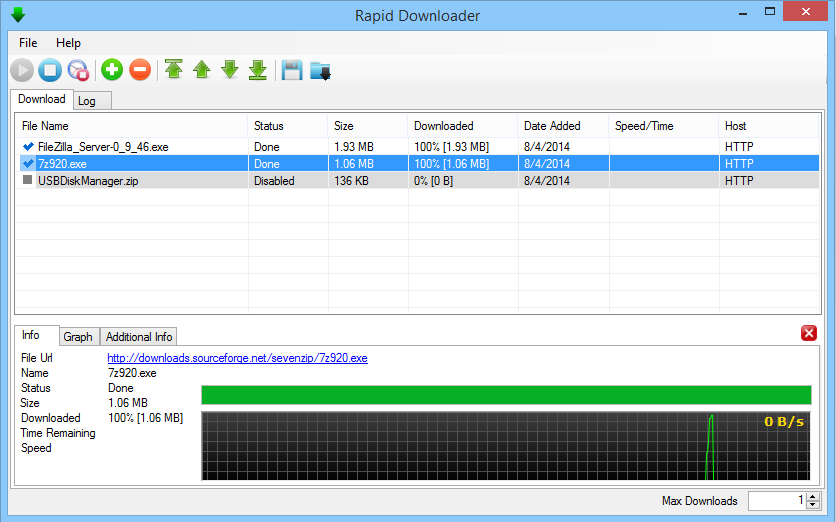
Simple Play and Stop buttons start or stop all your active downloads with one click. While a download is running, a graph shows its progress, along with received size, speed, ETA and more.

A simple, intuitive interface lets you reset, download, remove and re-arrange links. You can also paste many links as a single block of text, and the application parses and adds them for you.

Download videos directly from a YouTube link, and choose the format:
* When the version is available at youtube.com

Automated downloads from popular file hosting and sharing services, including: